Frequently asked questions
Common gotchas, billing, and platform questions, answered plainly.
Support
A few ways to get unstuck, in roughly the order most people find useful. Cashflow keeps your data on your device — so most answers are quick, and the help you need is rarely far away. Available on Android today; iOS is coming soon.
Get help fast
Try these first — they cover the things people reach for most.
Common gotchas, billing, and platform questions, answered plainly.
Getting started, backup & restore, and scheduled transactions.
Direct support
Open Cashflow on your device and go to Settings → Send Feedback. Pick the type that fits — Bug Report, Feature Request, General Feedback, or Feature Vote — and fill in your message.
The flow captures the context we need — app version, platform, recent activity — so we can diagnose faster than an outside-the-app conversation could.
That's the only channel we actively monitor. Bug reports, feature requests, billing questions, and account-data questions all go through the same place — so nothing falls through the cracks.
Can't reach the in-app flow? Write to support@ndl.cc and we'll pick it up.
For tricky bugs
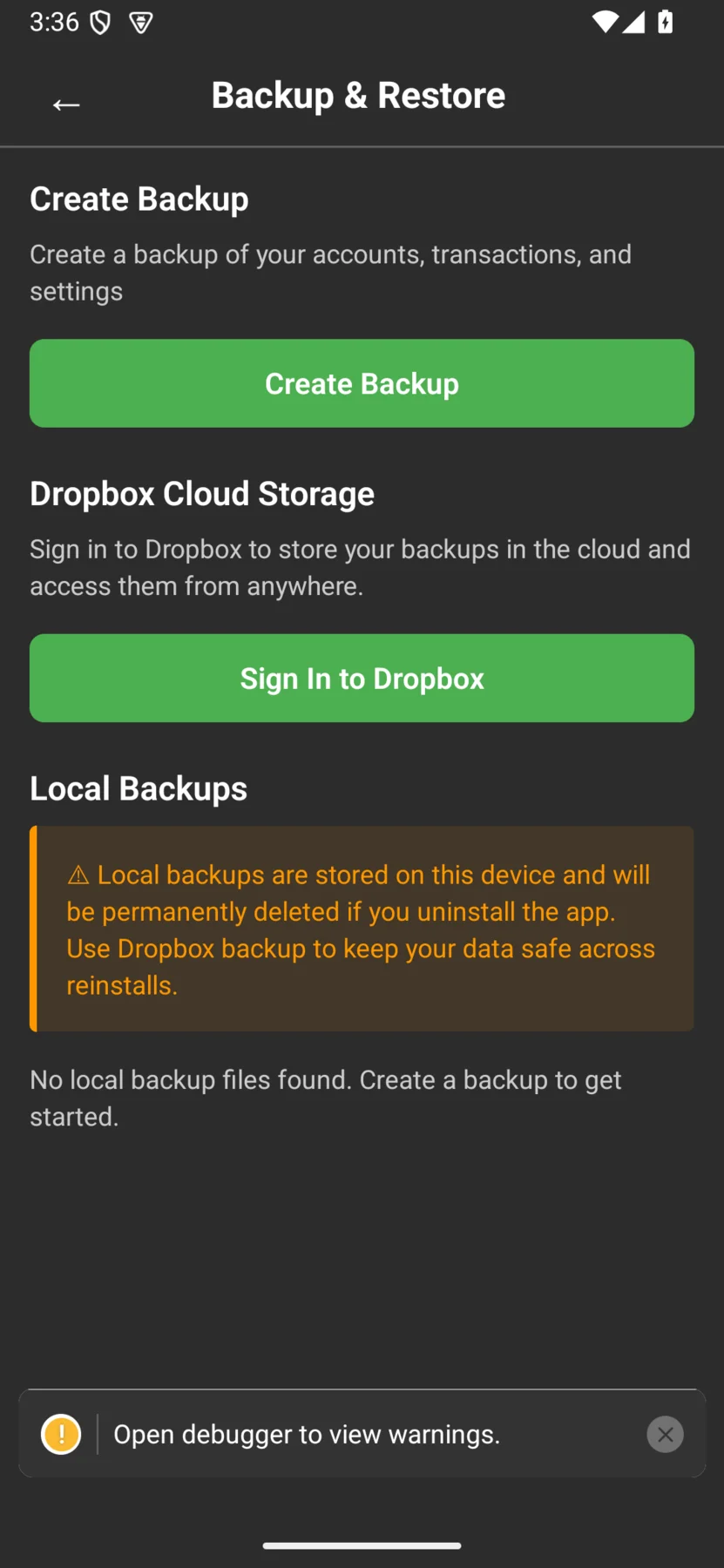
For anything involving balances, scheduled transactions, or data that looks wrong, a backup file makes the difference between a guess and a fix. When Send Feedback offers an attachment option, send one.
Backups never auto-upload anywhere. You're the one who exports the file, and you're the one who decides whether to send it. If you'd prefer to redact something first, the backup is a regular file you can open and edit before sending.
Still stuck?
The fastest path is the one with the most context. Open Cashflow, head to Send Feedback, and we'll take it from there.