Download

Get Cashflow

Cashflow is on Google Play today, in a paid edition and a free (ad-supported) edition. Android today — iOS coming soon.

Get it onGoogle Play iOS — coming soon

Paid and free are separate listings on Google Play.

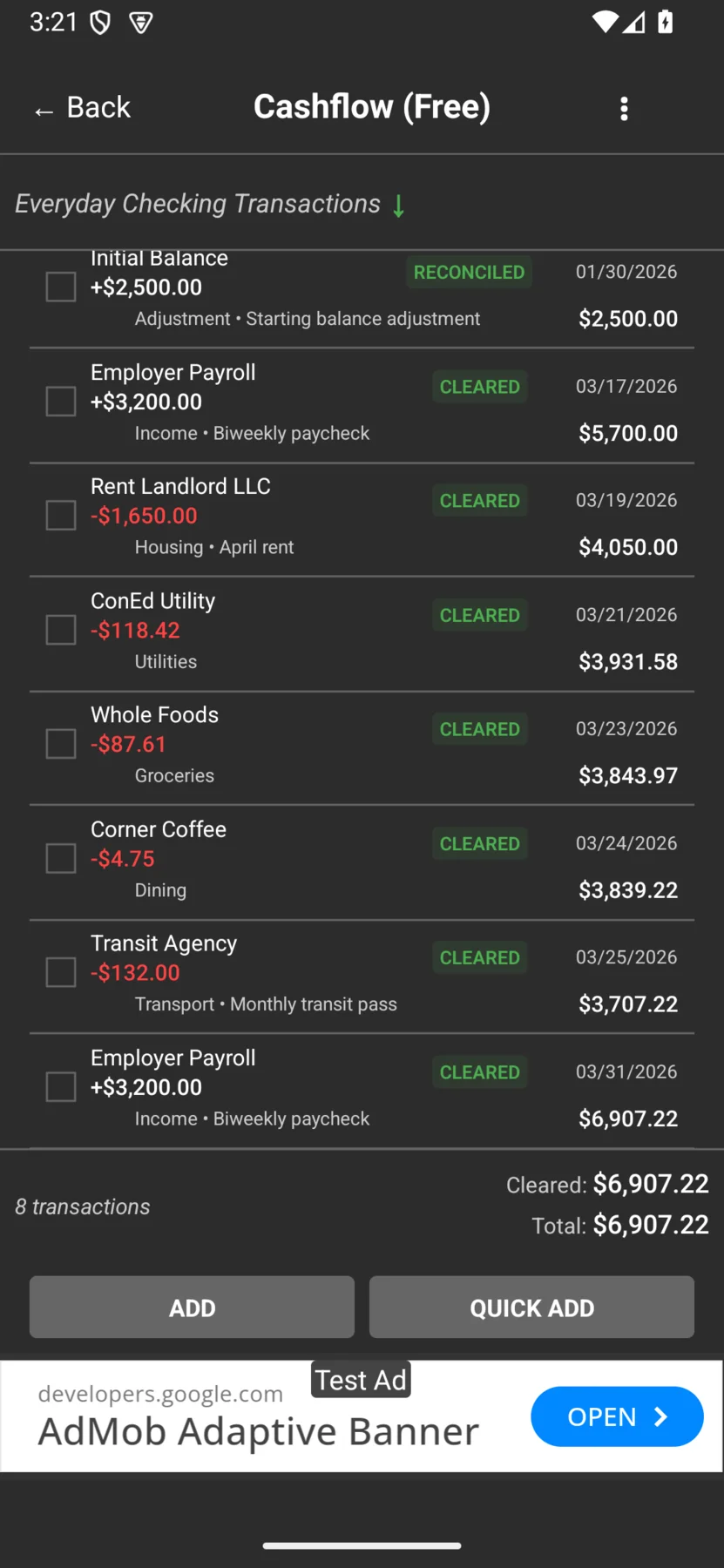
The Cashflow check register on Android, showing dated transactions with running balances of 5,700.00, 4,050.00, 3,931.58, 3,843.97, and 3,839.22 in a dark theme.

Pick your edition

Two editions, the same ledger

Every core feature ships in both editions. The paid edition removes ads and supports continued development; the free edition is ad-supported. iOS will offer the same split when it ships.

Free Ad-supported

$0

The full check register, multiple accounts and transfers, scheduled transactions, and local + cloud backup — supported by ads.

  • Full check register and three balance types
  • Multiple accounts, transfers, and scheduled transactions
  • Local + end-to-end-encrypted cloud backup
  • Ad-supported

iOS Coming soon

Cashflow for iOS is in development. It will offer the same paid/free split and the same backup options as Android. Android today — iOS coming soon.

  • Same three-balance register
  • Same local + encrypted cloud backup
iOS — coming soon

Both editions are on Google Play as separate listings. iOS will offer the same split when it ships.

Free vs Paid in 30 seconds

The same ledger, two editions

Every core feature ships in both editions. The paid edition removes ads and supports continued development.

Comparison of the free and paid editions of Cashflow.
What you get Free Paid
Full check register and three balance types Yes Yes
Multiple accounts and transfers Yes Yes
Scheduled transactions Yes Yes
Local + end-to-end-encrypted cloud backup Yes Yes
Ads Ad-supported No ads
Supports continued development Via ads Yes

Both editions use the same end-to-end-encrypted cloud backup. Only you hold the key — if you lose your backup password, we can’t recover it for you.

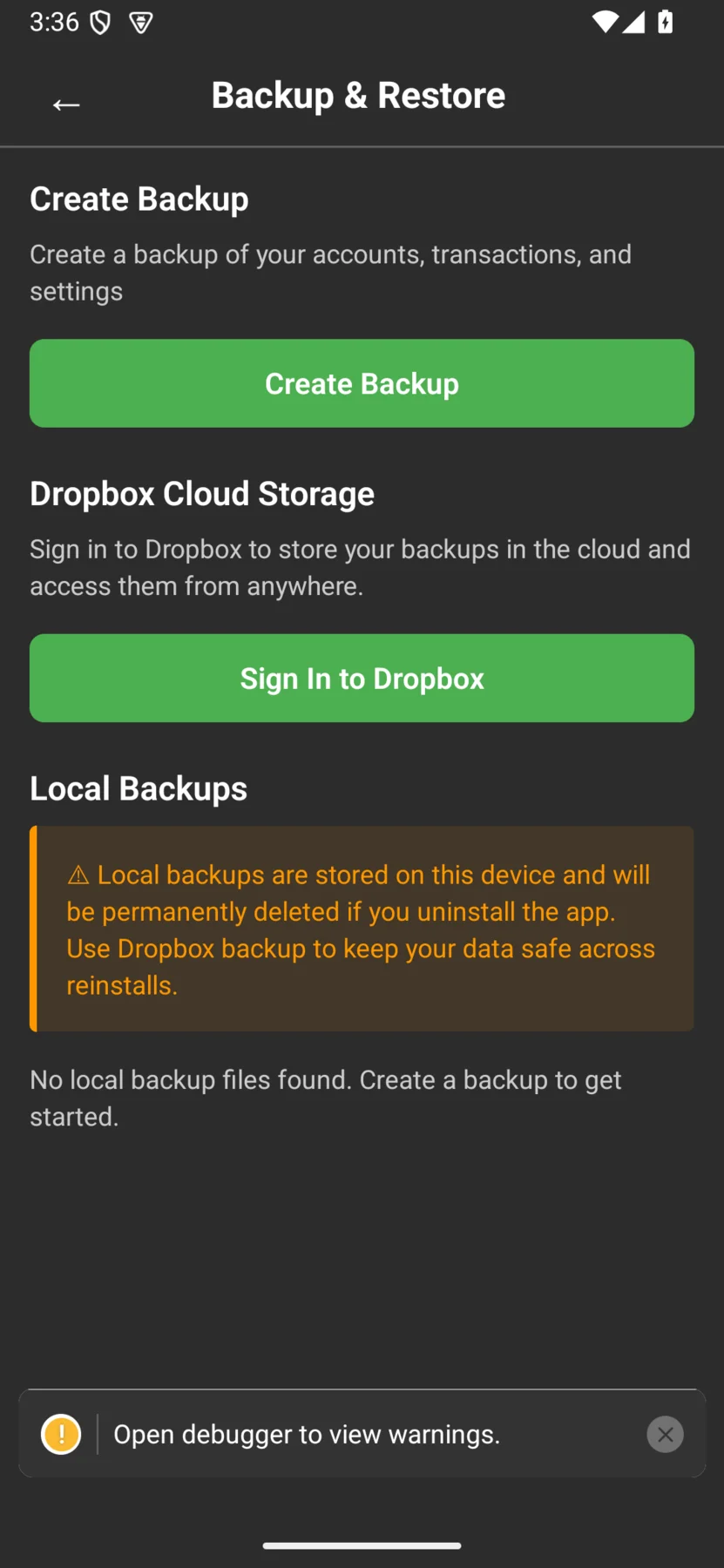
Cashflow's backup and restore screen on Android, with local file, Dropbox, and end-to-end-encrypted cloud backup options.

Android

Available now on Google Play

Cashflow for Android backs up to a local file, to Dropbox, or to end-to-end-encrypted Cloud Backup. Both editions ship as separate listings on Google Play — paid (no ads) and free (ad-supported).

Already paid on Android and still seeing ads? Check the FAQ for the fix.


iOS

Coming soon to the App Store

Cashflow for iOS is in development. It will support the same backup options as Android — a local file, Dropbox, and end-to-end-encrypted Cloud Backup — with the same paid/free split. Android today — iOS coming soon.

Coming soon

Cloud Backup is end-to-end encrypted — there’s no live cross-device sign-in. You restore by importing your backup with the password only you hold. No bank linking, no account required to use the app.

Start tracking your money today

Paid or free, your data stays local-first — on your device, with backups you control.